

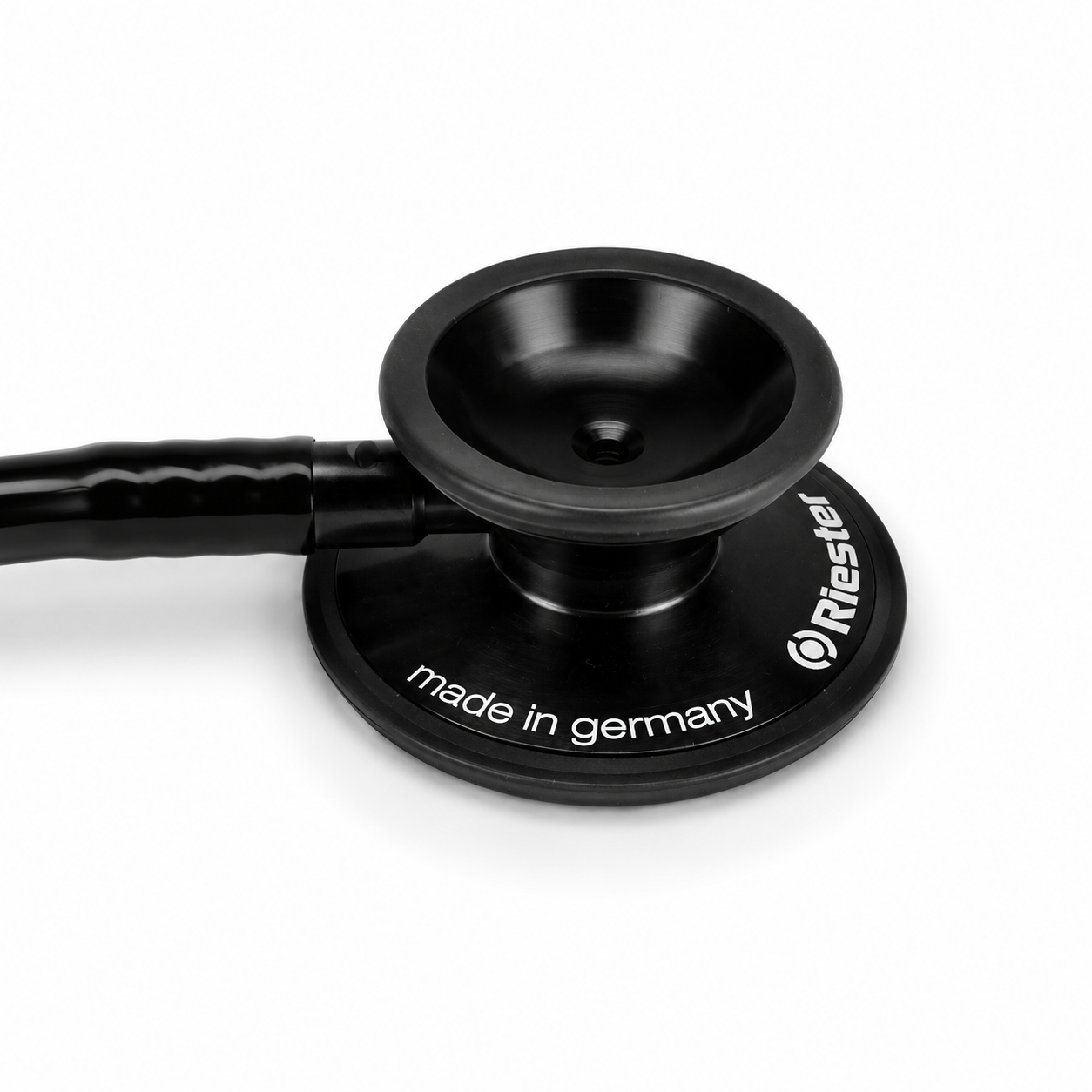
Enso Digital Stethoscope
-
1. DOWNLOAD THE APP
Download and open the Enso Heart app on your phone.2. CONNECT THE STETHOSCOPE FIRST
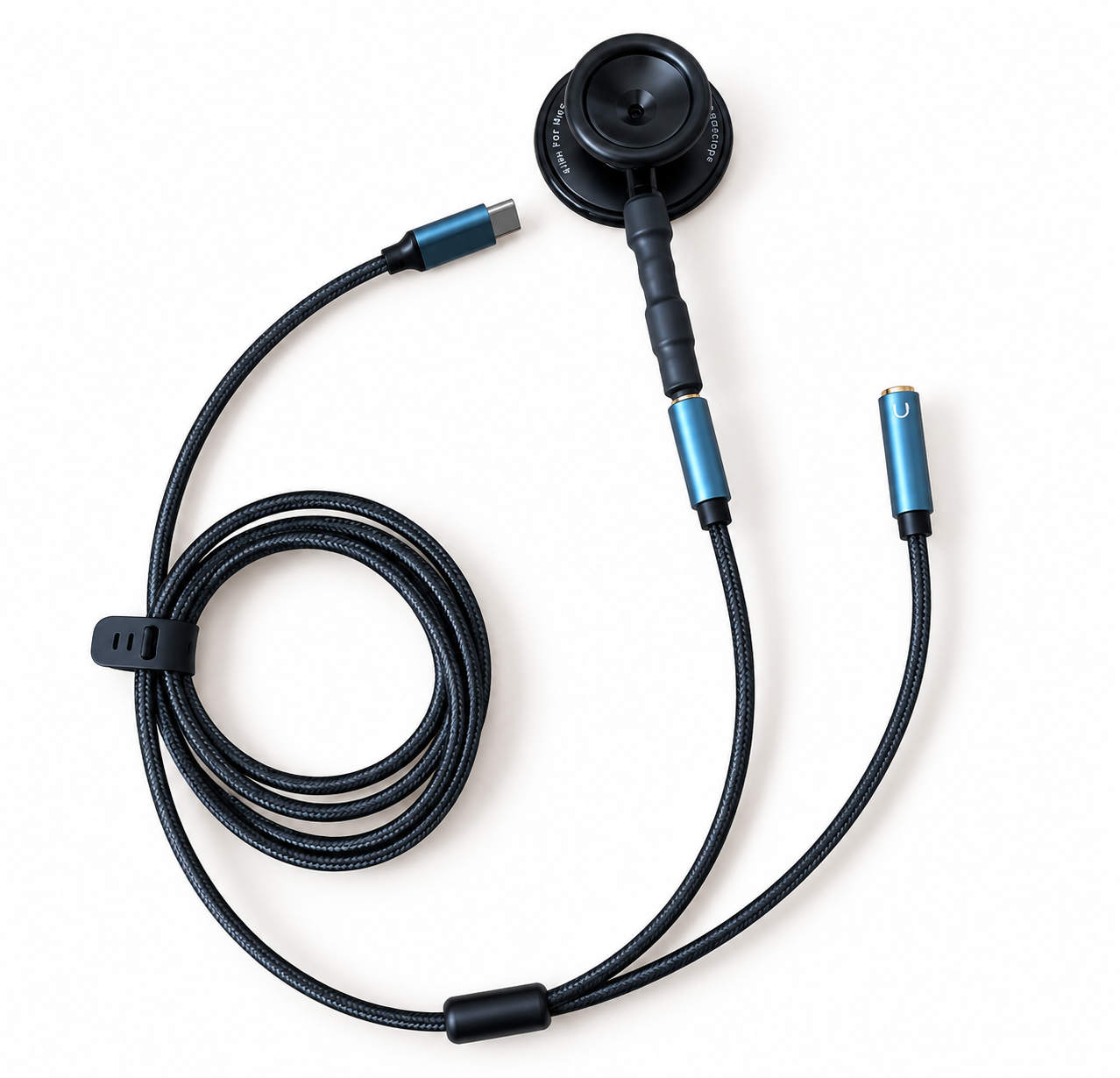
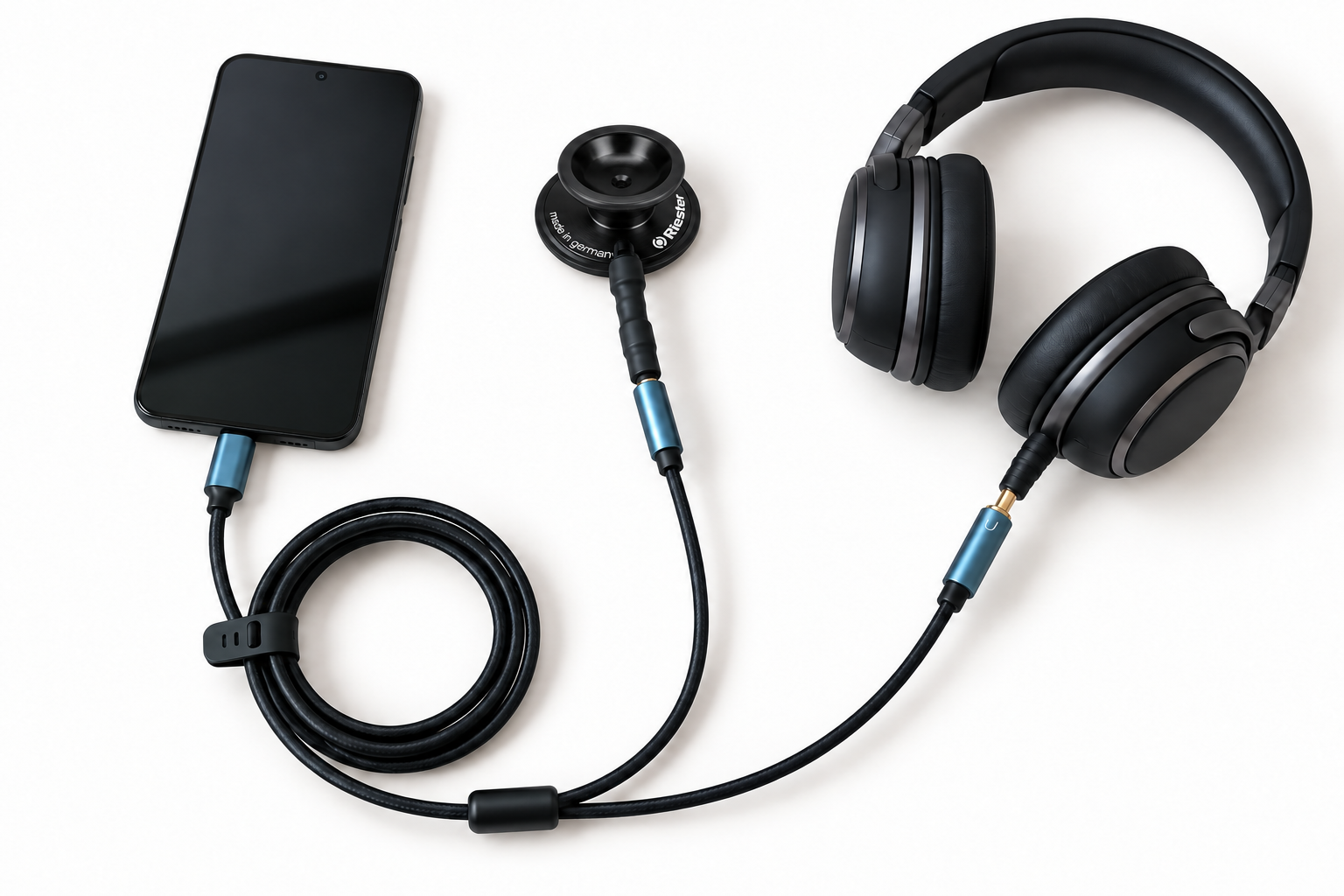
Plug the Enso Digital Stethoscope into the USB-C port on your phone.In the app, select:
Heartbeat → Listen to your heart → USB Audio3. CONNECT YOUR HEADPHONES
You can use wireless or wired headphones:Connect Bluetooth headphones wirelessly to your phone.
Plug wired headphones directly into the other port on the Enso stethoscope.
Important: Plug wired headphones into the Enso stethoscope, not directly into your phone.
If you have trouble connecting your Bluetooth headphones, turn Bluetooth off and on again on your phone, then reconnect your headphones.
4. FIND THE SOUND OF YOUR HEART
Gently place the stethoscope on your chest, over the area of your heart.Move it slowly until you find the position where your heartbeat sounds clearest. Take your time — it may take a few moments to find the right position. Try to stay as still as possible and breathe slowly and comfortably.
5. CHOOSE A GUIDED EXPERIENCE
In the app, select:
Meditations → choose your preferred guided meditationTwo experiences are available free of charge to help you get started with Enso:
Shorter Relaxation — approximately 10 minutes
Longer Relaxation — approximately 30 minutes
Press Play and adjust the heart volume and guidance volume as you wish.
Make yourself comfortable and listen to your heart.
IF YOU CAN’T HEAR YOUR HEARTBEAT
Check that:
The Enso Heart app is open.
The Enso Digital Stethoscope is connected to the USB-C port.
You have selected Heartbeat → Listen to your heart → USB Audio.
Your headphones are connected correctly and the volume is high enough.
If you are using Bluetooth headphones, disconnect and reconnect them if needed.
If the connection still isn’t working, unplug the Enso Digital Stethoscope, reopen the app and plug it in again.
If the connection is working but you can’t hear your heartbeat, slowly move the stethoscope over the area of your heart and stay as still as possible while looking for the clearest sound.
Before publishing, check that the English menu names and meditation titles match those displayed in the app.
-
In the Enso Heart app, you can combine listening to your heartbeat with a range of guided experiences.
Additional content can be unlocked individually or with an Enso Heart subscription. You can find it in the app under Meditations or Store.
-
Disconnect the Enso Digital Stethoscope from your phone before cleaning.
Gently wipe the surface that comes into contact with your body with a soft, slightly damp cloth, then dry it.
Do not immerse the product in water. Make sure that no liquid enters the microphone or connectors.
Store the Enso Digital Stethoscope in a dry place at room temperature.
Coil the cable loosely. Do not pull or sharply bend it, especially near the connectors.
-
The Enso Digital Stethoscope connects via USB-C and is designed for use with the Enso Heart app on compatible iPhone and Android phones.
You will also need wired or Bluetooth headphones to listen.
If you are unsure whether your phone is compatible, please contact us before use.
-
The Enso Digital Stethoscope is intended for personal listening to heart sounds and for use with the Enso Heart app.
The product is not intended for diagnosing conditions, monitoring health, providing treatment or making medical decisions.
If you have health concerns or are worried about your heart, consult a healthcare professional.
Do not use the product if the cable, USB-C connector or any other parts are damaged.
Do not immerse the product in water or expose it to excessive liquid or moisture.
Always disconnect it from your phone before cleaning.
Use and store the cable without pulling, twisting or sharply bending it.
Use the Enso Digital Stethoscope only as described in the instructions for use.